


Every Recording, Voiced Across Your Entire System
LogiQ tunes the field your system operates in to the recording you are playing. Across an evening of shuffled listening, every track arrives voiced to suit it, and the stage never settles into a compromise between them. No one gets up between tracks to change a setting. With LogiQ, no one needs to.
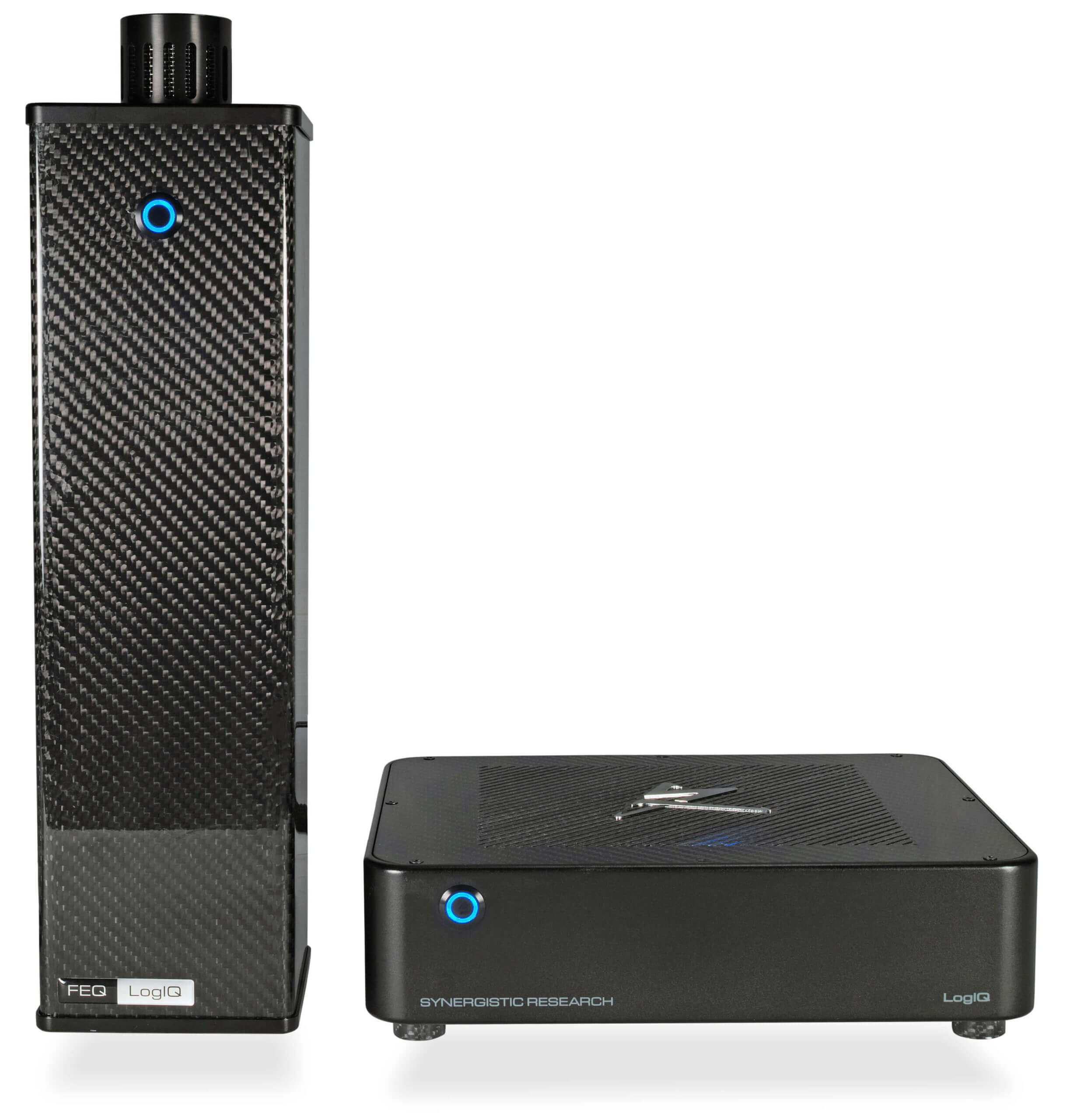
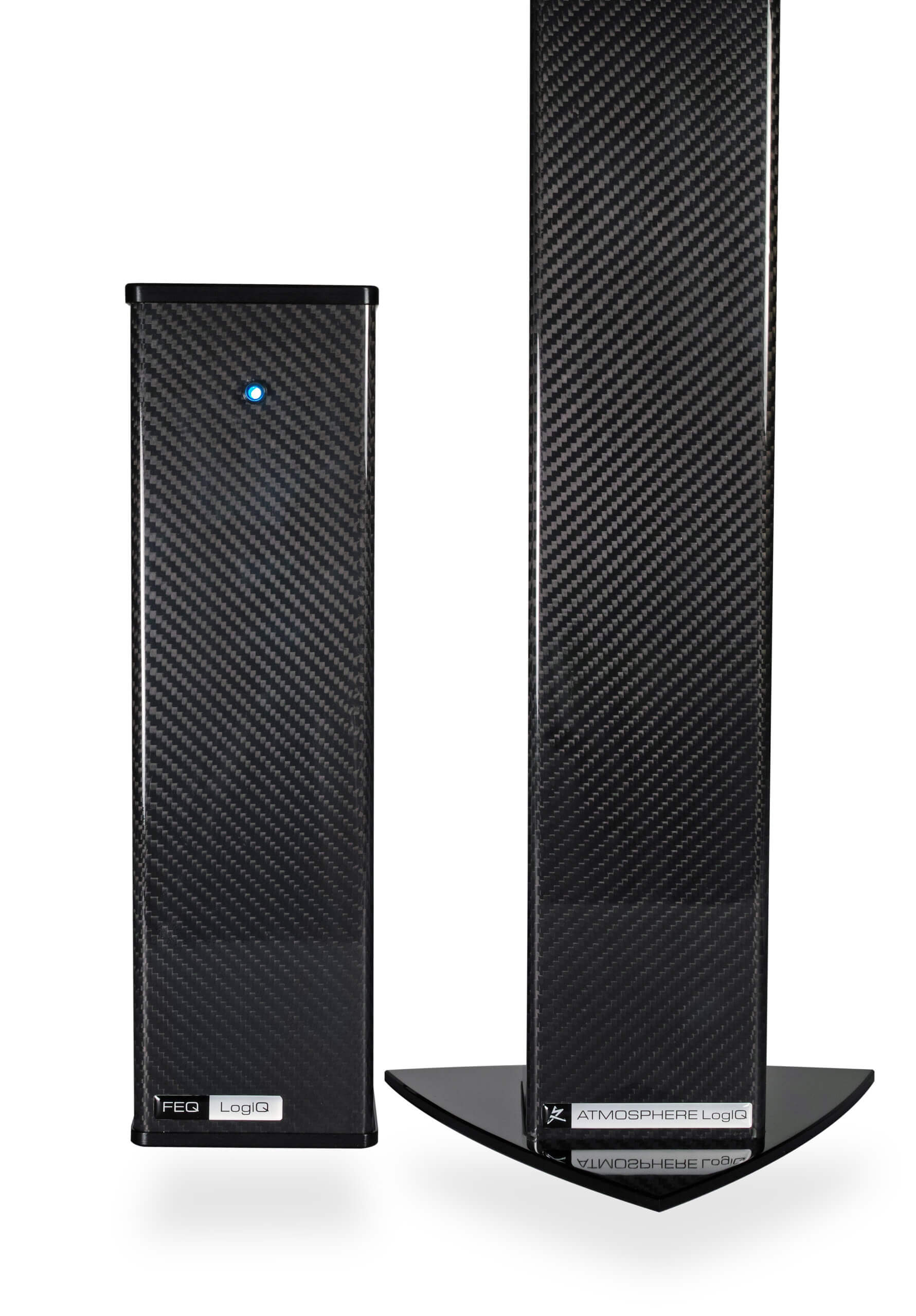
The LogiQ Music Streaming Server brings that intelligence into your source, voicing the circuitry where digital noise begins. Atmosphere LogiQ and FEQ LogiQ carry it outward, across every component and cable in your system. All three run from the same LogiQ app, where the field can be left to follow the music or shaped by your own hand.
That’s Synergistic By Design.
The Big Idea
Sound Is Shaped by More Than Your Components
Start with an idea most listeners never consider. Your electronics do not operate in empty space. Every powered component sits inside an electromagnetic field, an invisible field of energy that the components generate themselves and that surrounds every cable between them. That field has a real effect on what you hear. And it gets worse the more digital gear you own, because chips inside streamers, DACs, and computers throw off high-frequency electrical noise that rides along your cables together with the music, and that noise flattens the sound and hardens the high frequencies before it ever reaches your speakers.
For thirty years, Synergistic Research has studied that field and built ways to control it. LogiQ is the intelligent version of that work. At the heart of the LogiQ ecosystem are field generators, which means they broadcast an engineered field of their own around your system. That field is tuned to the range that sits naturally close to music, and it takes precedence over the high-frequency digital noise, clearing a cleaner path for the signal to travel. Nothing connects to your components. Nothing processes the music. The field does its work in the space around the system, not inside it.
What makes LogiQ new is that it thinks. It recognizes the track you are playing and sets the field to suit it, since a delicate acoustic recording and a large electronic production want very different things. You can refine the result just by telling it what you want to hear. It remembers the settings you love, and over time it learns your taste and adjusts toward it. The payoff is simple to state and hard to overvalue: your system sounds its best on everything you play, the adjustment happens on its own, and you never touch a cable or a component to get there.
A word on where it fits, because we would rather tell you plainly than oversell. LogiQ rewards a system whose fundamentals are already in good order: speakers sensibly placed, a room without gross problems, a coherent set of cables. It is not a patch for those things. On a system that is broadly sorted, it opens up depth, space, and ease that the components could always produce but never quite delivered.
The LogiQ Platform
Automatic by Default. Yours by Choice.
The LogiQ Music Server brings the LogiQ platform into your source. Leave it to Auto ID and every track arrives voiced. Open the app and the same intelligence becomes a set of tools, from a plain-language request to the waveform itself.
Auto ID LogiQ
(LogiQ Music Server Required)
Voiced Without a Tap
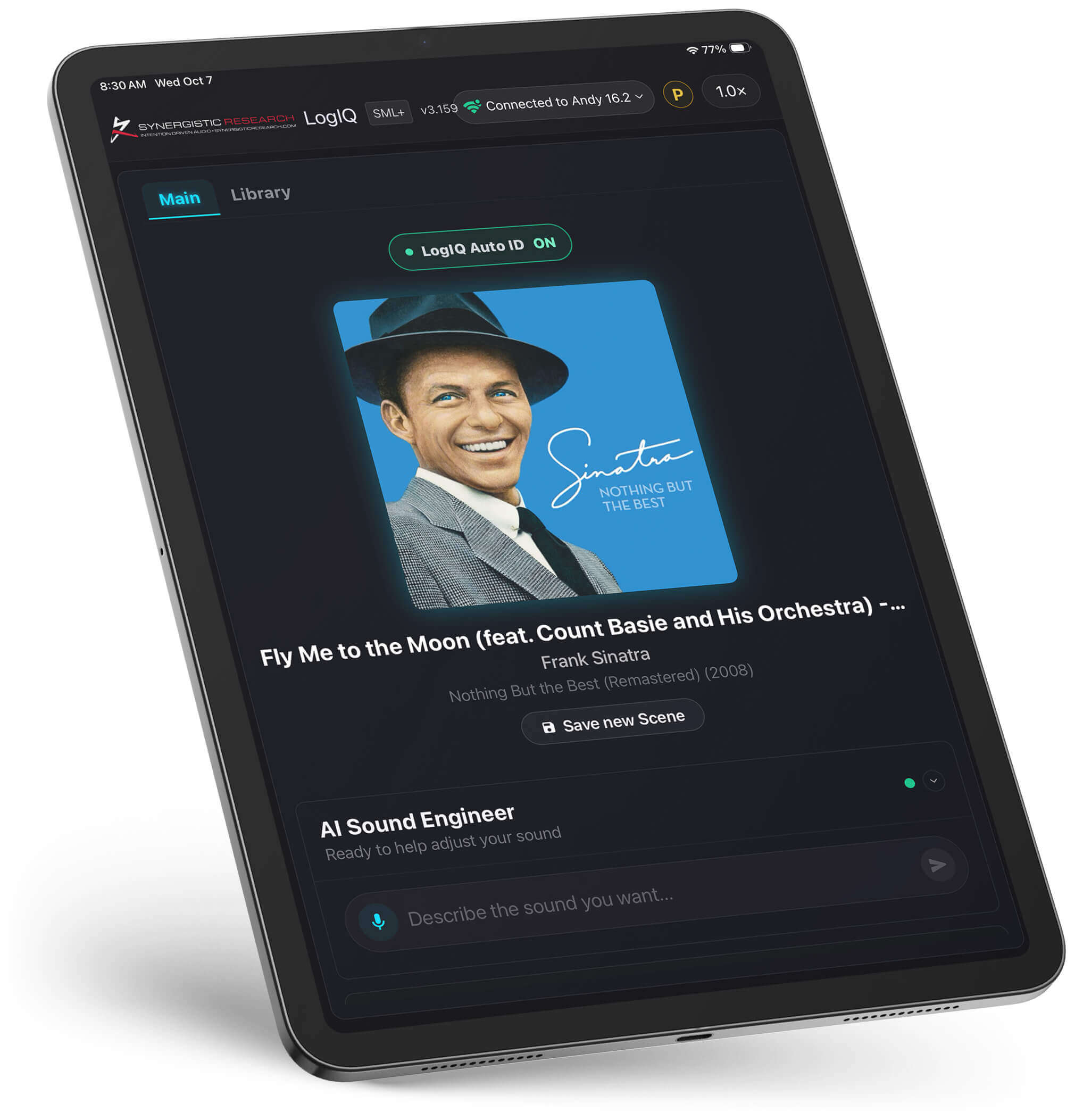
Auto ID LogiQ reads each track’s information directly from Roon and applies the LogiQ ULF settings matched to that recording, or your saved scene where one exists. The LogiQ brain resides in the server, so nothing depends on your phone. Close the app, put the tablet away, and every track you play still arrives voiced.
Track Lookup
A Starting Point for Every Recording
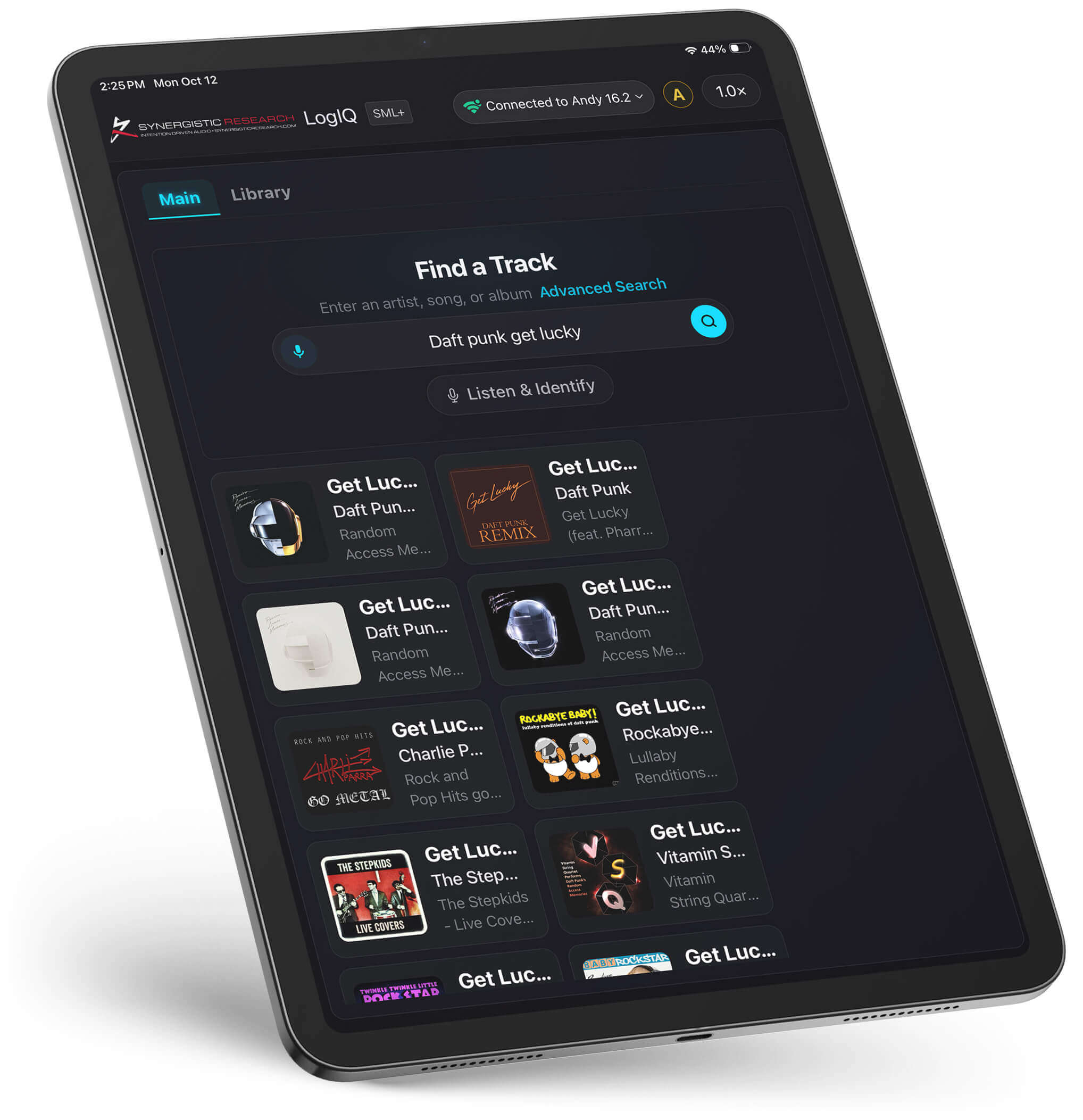
Track Lookup identifies the recording as it plays and sets the field to a starting point matched to it. That starting point comes from the voicings our designer arrived at by ear. A solo cello and a large electronic production ask opposite things of the field, and each gets its own beginning. From there, LogiQ refines toward what the recording needs and what you have taught it to like.
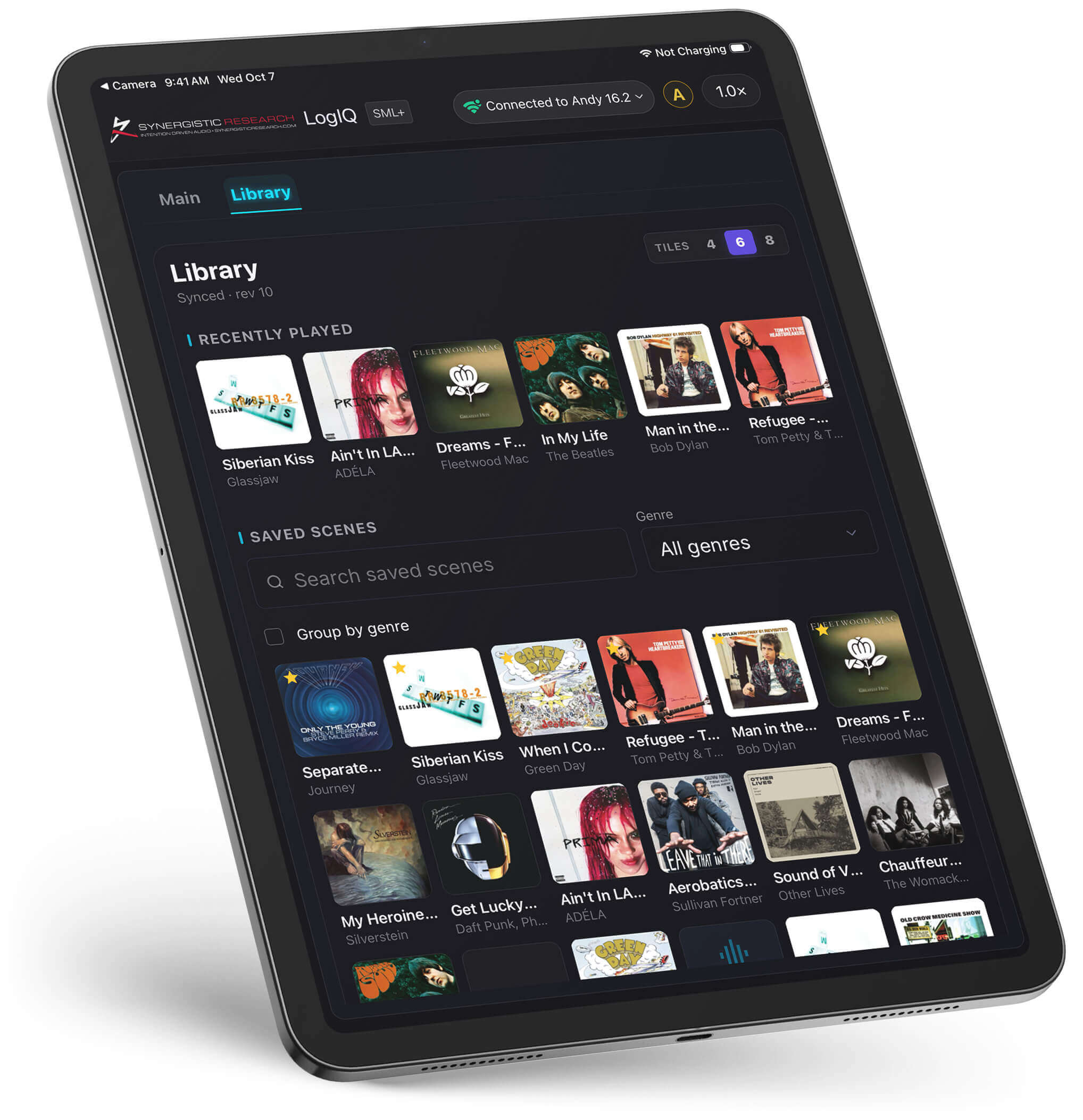
Saved Scenes
Dial It In Once. Hear It That Way Every Time.
Save a setting, and LogiQ files it as a scene under the cover art of the track you were playing. The next time that track plays, your scene loads in place of the factory starting point. On the LogiQ Music Server it loads even with the app closed. Scenes save as files you can move between systems and share with other LogiQ owners, so an evening of careful listening becomes a single tap for someone else.
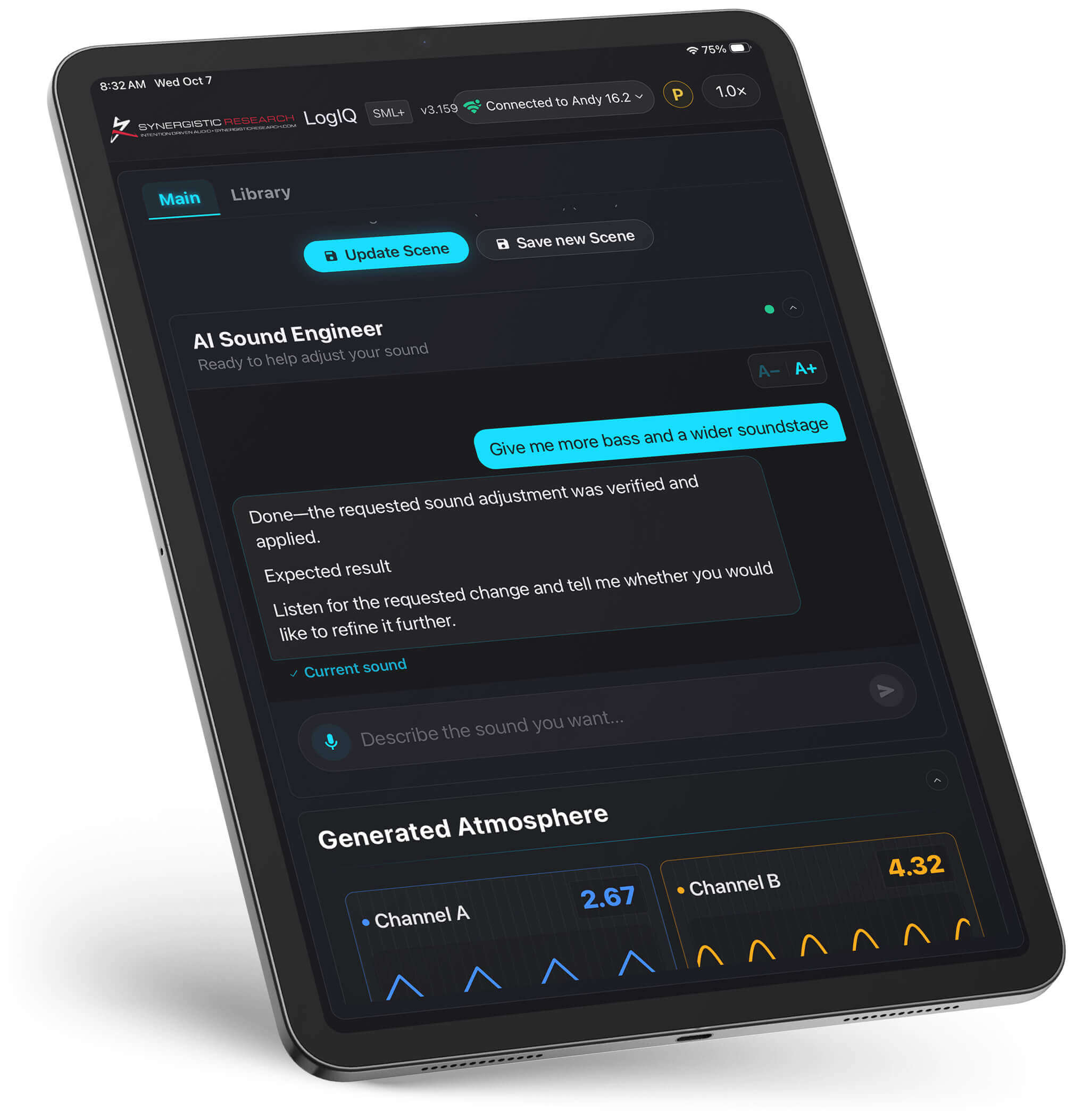
AI Sound Engineer
Ask for Smoother Vocals
Tell the AI Sound Engineer in plain words what you want to hear, such as more space between the players or the singer brought forward. It adjusts the field and tells you what it changed. It is also honest about its limits. Push too far and the image begins to lose focus, so you hear exactly where a setting stops serving the music. Speak, tap, or set things yourself.
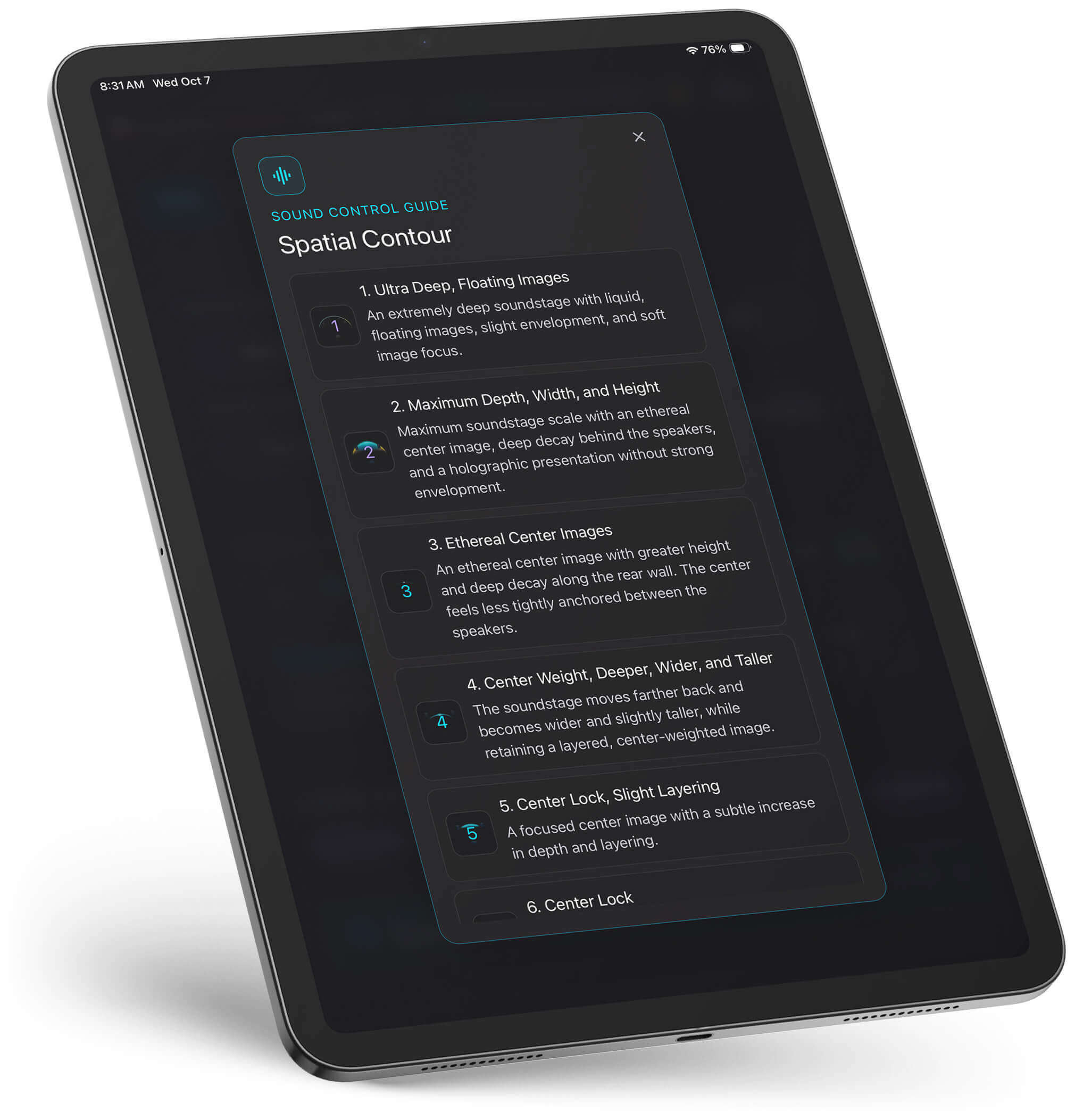
Spatial Contour
Deeper, Wider, or All Around You
When a system is set up well, the speakers disappear and the music forms a stage in front of you. Spatial Contour lets you shape that stage directly: deeper, to layer performers front to back; wider, to spread them across the room; or enveloping, to draw the field around your listening position. Choose spacious depth for a live concert or focus and immediacy for a studio session, then save it as a scene so it returns the next time that track plays.
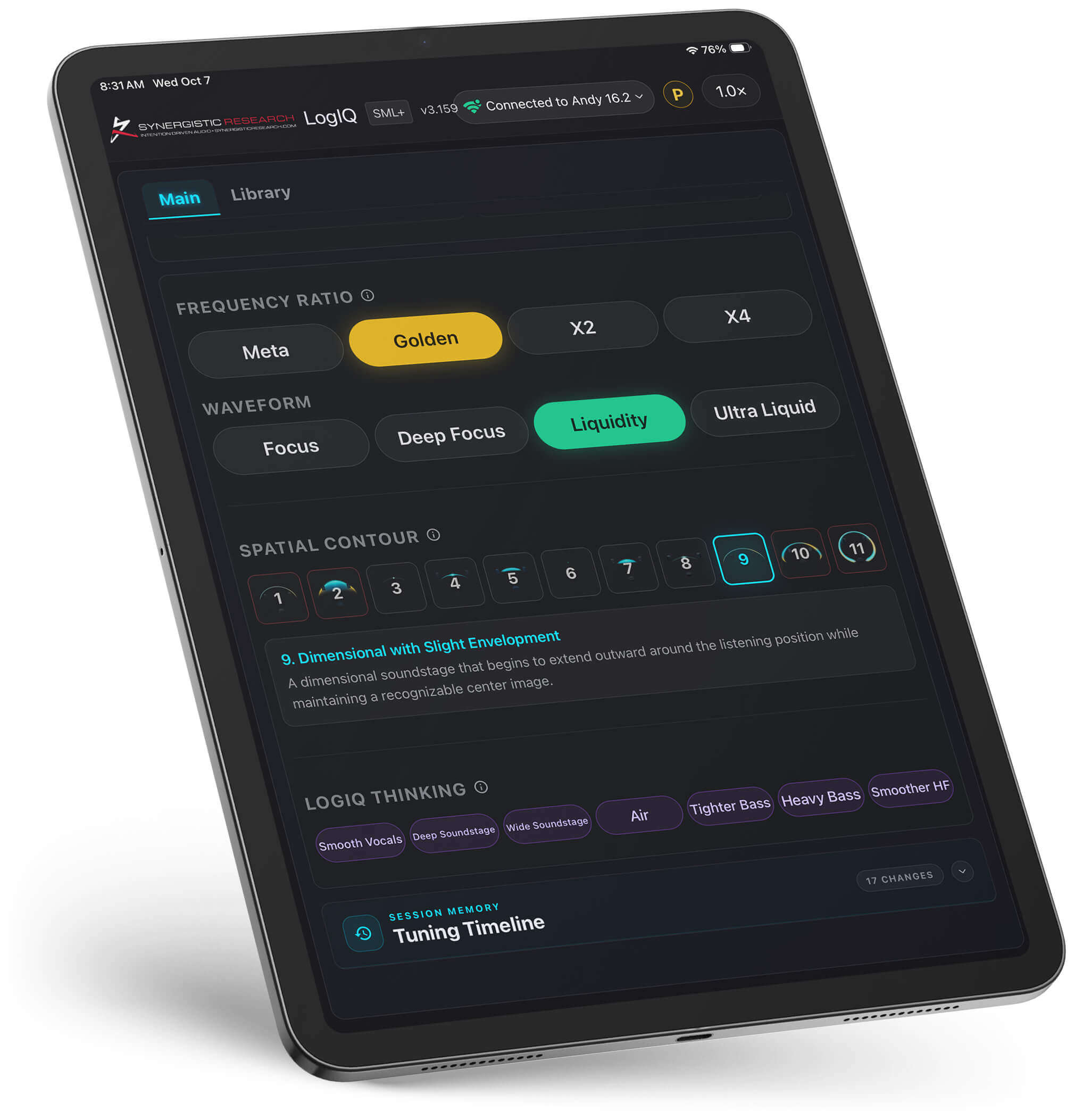
Manual Adjustment
Reach In and Set It Yourself
For the listener who wants direct control, LogiQ opens the field by hand. Frequency Ratio and Waveform decide which field LogiQ generates, from the smooth curve of a sine to the hard edge of a square or the ramp of a sawtooth. Spatial Contour shapes the stage itself: deeper, wider, or enveloping. This is where LogiQ stops choosing and you start.
LogiQ Thinking
The More You Listen, the Less You Adjust
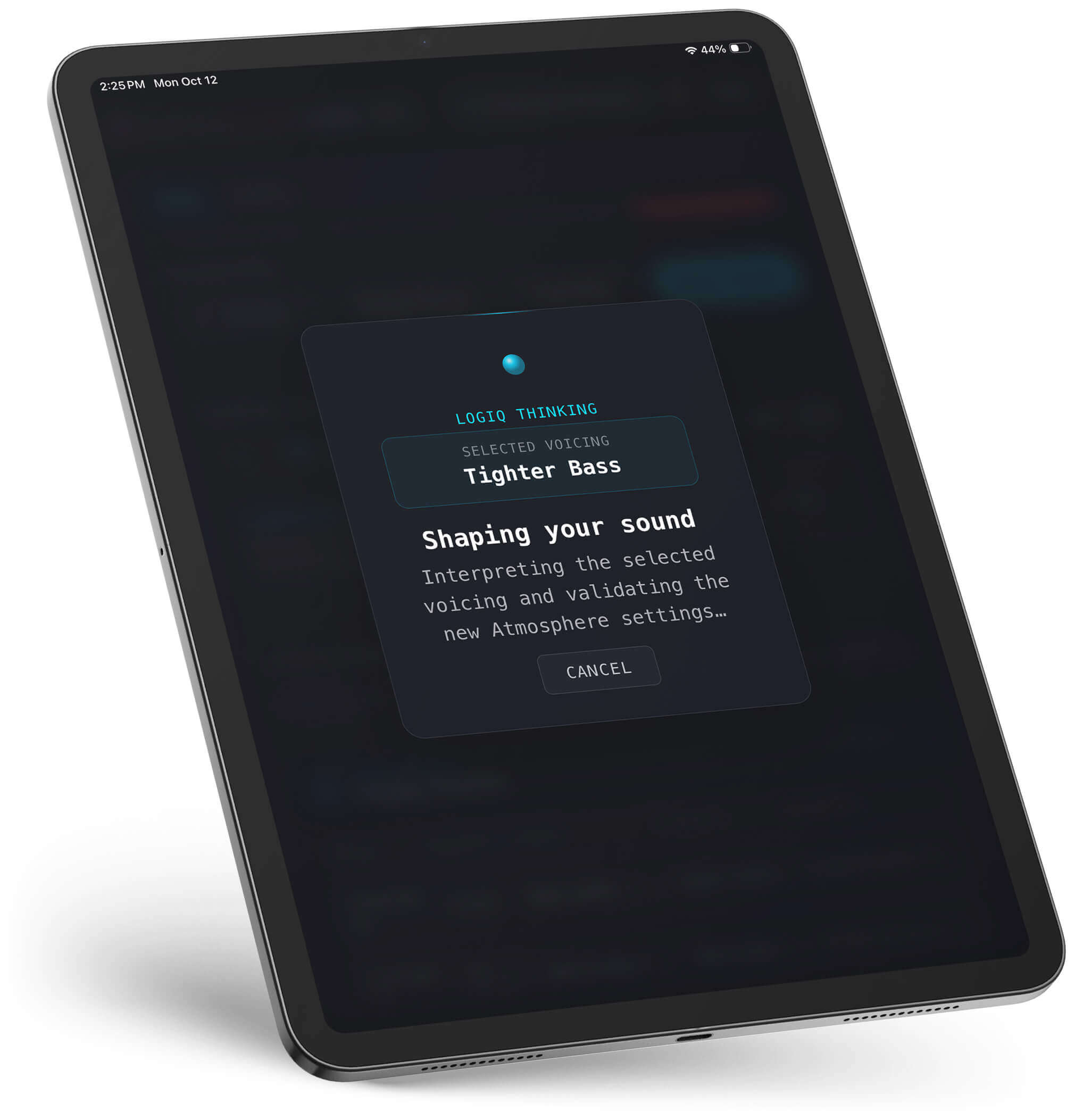
LogiQ Thinking is a model trained to understand more than a trillion field settings the way a listener does, predicting how any adjustment will move the stage. A second layer of software holds it to what it has actually learned rather than what it might guess. Then it learns you. Every scene you save reads as a preference, and over time LogiQ recalibrates from the factory starting points toward your taste.
Generated Atmosphere
The Field, Made Visible
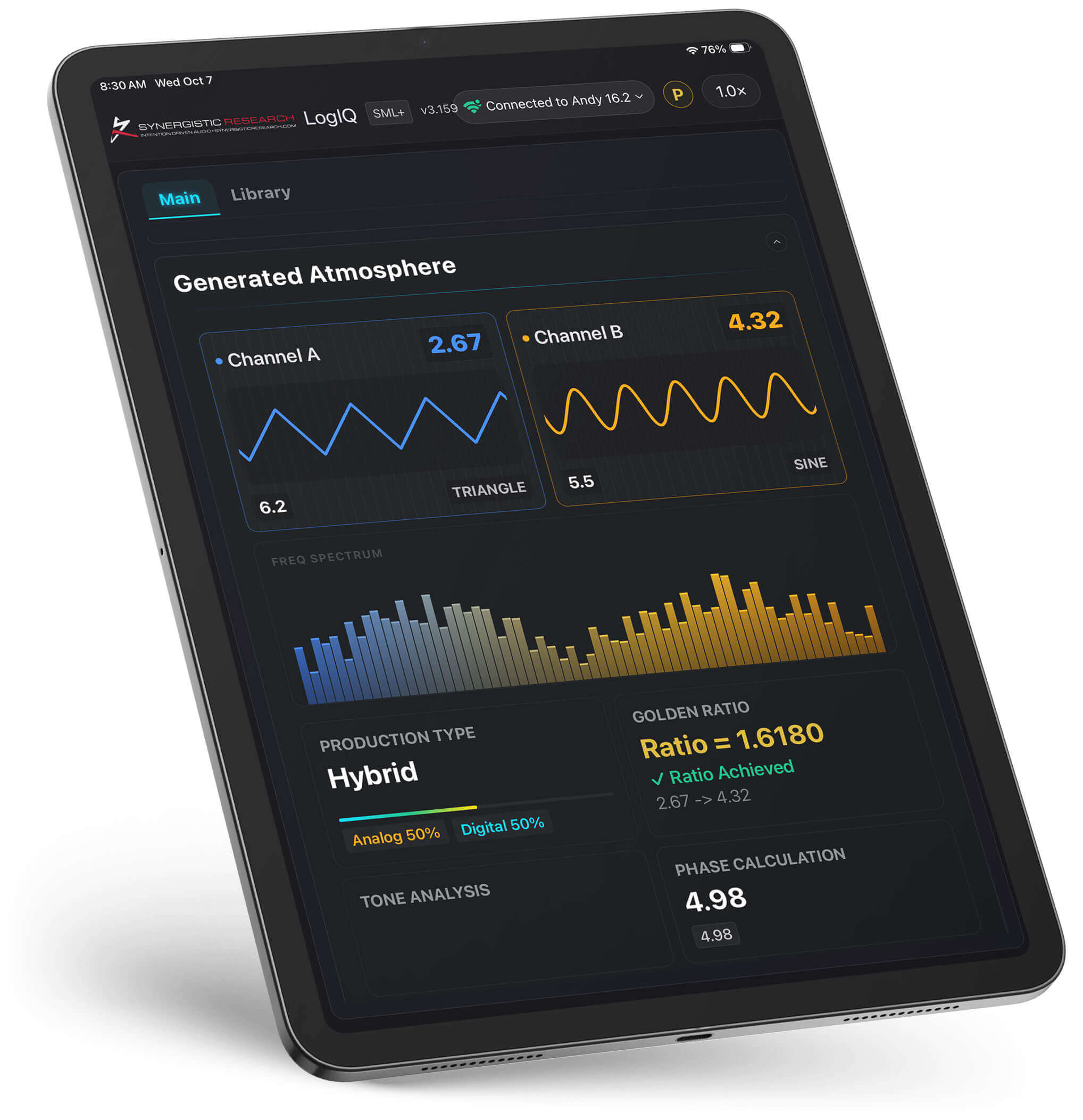
Generated Atmosphere draws the field LogiQ is producing as a picture on screen, built from the current frequency, waveform, and contour settings. When a setting changes, whether from Auto ID, a saved scene, or your own hand, the image changes with it. It does not measure your room. It shows what LogiQ is generating, so you can watch a voicing take shape while you hear it.

FEQ LogiQ
How It All Comes Together
